Part 2: Building my own cloud
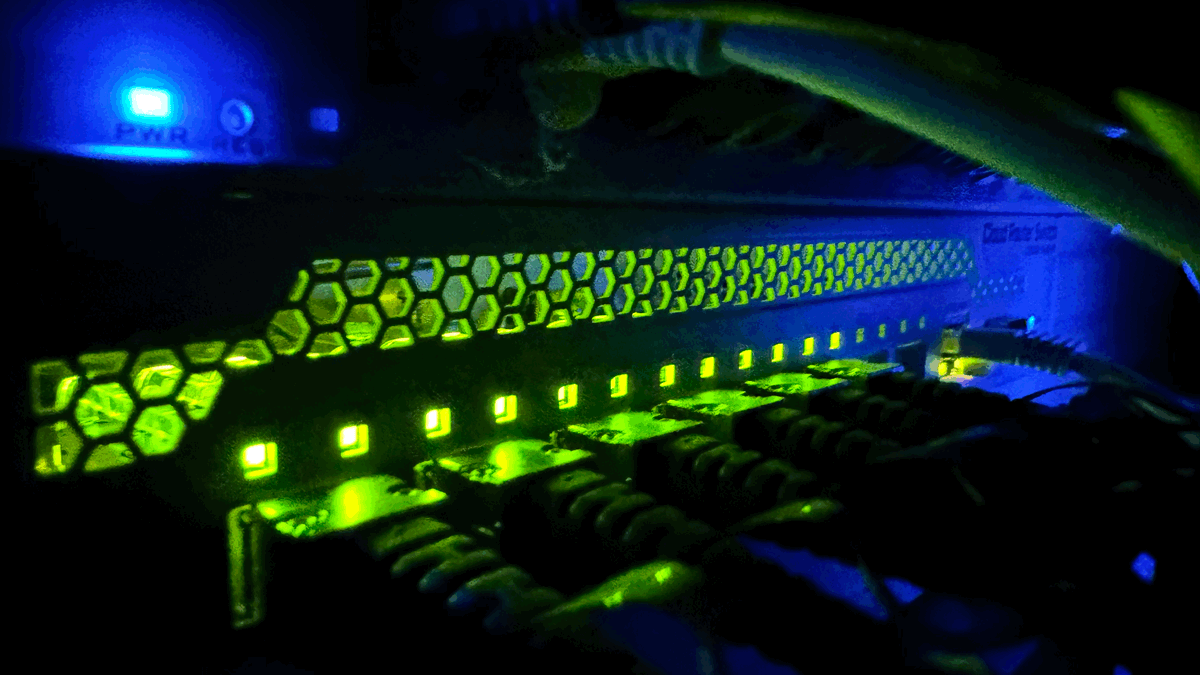
To start with the obvious great choices of alternative cloud platforms, Proxmox, Talos and Cozystack (built on Talos) are fantastic options and I'd recommend to anyone to carefully consider them if you own all of your infrastructure. They are opinionated setups with specific deployment scenarios. The reason why I ultimately didn't chose any of the existing platforms is due to networking infrastructure and this setup requires fairly advanced overlay networking design. In a scenario where I don't own all of the physical servers, switches or routers everything is software-defined. At its's core, cloud means network. Understanding cloud is really understanding networking on all levels of the OSI model. This project gets started at layer 1, here in my garage!
Cozystack, another great roll-your-own cloud running K8 simply says you have to have the network stuff done before install (fair point, but that's exactly the hard part!), and with Proxmox I can configure my own network and change things, but that's also post-install. Proxmox is an opinionated Debian build and not really meant to take apart. They put it together to make it easy, not hard. Once you start to deviate, upgrades become complicated and you essentially have a one-off. Taking these things into account, I decided to roll my own on KVM/qemu using Wireguard and Linux networking out of the box to create an overlay network built on a mesh network, giving me the holy grail of availability, "data centers" (DCs), "availability zones" (AZs) and "regions".
Copying the hyperscaler design, a region consists of at least three AZs that are within 60 miles / 100 Km of each other (providing for a maximum 5 millisecond'ish latency). Regions can also fail over to each other, so we'll need to be able to support that, too. We are going to create two regions (US and EU) with two AZs each (US-West, US-East and EU-Central and EU-North). Since an AZ is built from at least three DCs, we need at least three "racks" for our "servers" with different providers. One of these racks or servers can be your local data center with a partitioned network. The concept of connecting on-premise hardware you already own and integrating it with this cloud is powerful . It's the analog to AWS Outpost or ARC and capacity you already own. In my deployment example, I am including my physical DL-360s into data center PDX1. Having only a single rack per DC is acceptable in the beginning (why ? A single rack failure is covered by failover to another DC). Each rack needs to operate with at least three nodes (N) to provide quorum for availability, which gives us a total of 2 regions * 2 Availability Zones * 3 datacenter * 3 nodes, totaling N=36 nodes. Better resiliency comes with five nodes, and that's 60 nodes. That is a sizeable piece of infrastructure to worry about - Especially if you have to install it and/or operate it. Because after day 1 installation, day 2 begins! But wait, you don't have to install it - Ansible will! Also, we aren't going to build it all at the same time, we're building layer by layer starting with node 1 in rack 1 in DC1 in AZ1 in R1. You don't need to build 36 nodes if that's not your design goal. Cloud is marathon, not sprint!
Compute, network and storage
Broken down to main components, I needed to solve for compute, network and storage solutions. I own a few DL360’s (my wife says there are too many) and I'll assign them to AZ US-West and DC PDX1. Without getting too much into the details, I have everything in place needed to bootstrap a private cloud on public infrastructure with an overlay network over public Internet for the management or control plane.
Why lease servers?
By leasing additional dedicated servers I have eliminated the physical aspects of owning and managing compute, network and storage and can focus on the software-designed side on top of it. I select my leased machines by price and disk space as well as core count and found the sweet-spot that way. If a drive fails, it will have to be replaced by a remote-hand. Why is this of interest to you, dear reader? Because it's a blueprint you can follow for your own project or implementation. You do not have to chose AWS, Azure, or GCP. You could chose Hetzner, Wholesale Internet, Hurricane, OVH, IONOS, Scaleway or really any provider you like. The only requirement is network quality - if the network performance is poor, badly managed or oversubscribed, not much joy can be had.
For compute, my personal server hardware is on X86-64 and with that, Linux the choice, CentOS 9 specifically. Could you do it on Windows? I dare you! Linux has the complete stack required to implement an AWS/Azure/GCP style cloud with pretty much any feature or service required. Over and over have talented people proven that you can repatriate significant stacks back to your own datacenter and save heaps of money doing it better than the Hyperscalers. Don’t believe me ? Check out 37Signals and others (link at the end of the text and more incend*ary comments). I've made a few podcast episodes about these projects and they seem to have ended well.
Note Have you ever tried calling AWS, Azure or GCP support on the phone because you had an issue or question? Please go ahead and let me know in the comments how that went for you. Hyperscalers don't care about you, ever. No matter the size - you are just a blip for Amazon & Co. This project is different because it enables local business!
This Oregon-based local business has an opinion on providing US-based help and resources (or EU-based). It's because if I own it, I care for it. And for a monthly retainer, I will take care of running this cloud for you as well, custom designed with a complete application solution stack that includes Identity (Authentik), secrets management (Hashicorp Vault), secure remote access with Wireguard, container management with Coolify and Portainer, Apache Guacamole for remote desktop, Opencloud, Collabora Office suite and many more. In fact, anything you'd probably want or need can be custom designed for you.