authentik on Swarm with 2FA
I am a big fan of authentik, a complete solution to manage identities. "Managing identities" is fancy language to describe the basic problem of managing users and their login information. In this cloud world of SaaS, vendors owning your identity stack hold a firm grip not only on your organizations structure but also on all of the integrations. When I worked at IBM, Verify was part of my portfolio and clients in the public sector did some very cool integrations for their citizens, e.g. MiLogin. I can't overstate how well the Identity team in Michigan did and the ease of use they created for Michiganders.
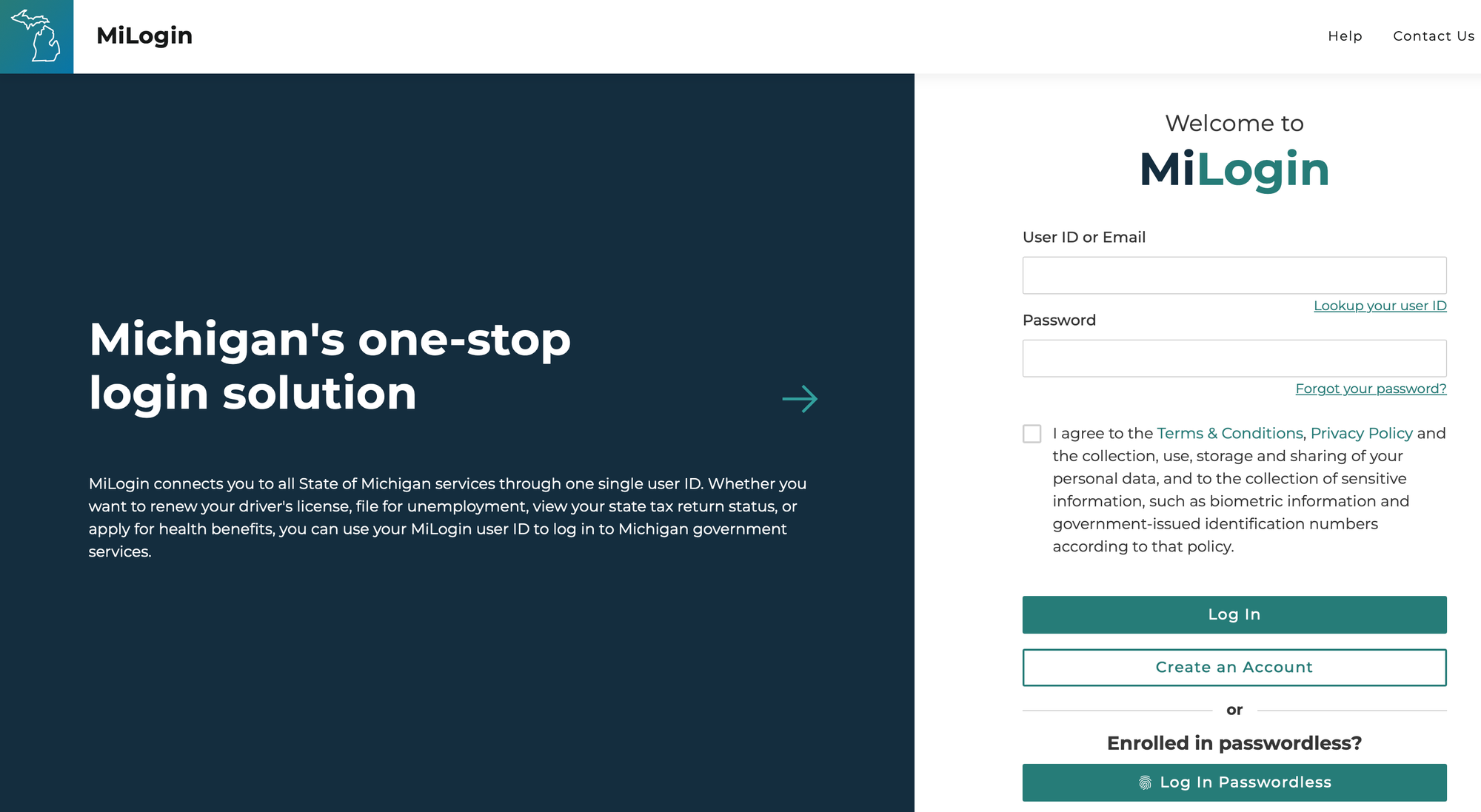
But not everyone needs millions of users and an outsourced identity provider. It's actually not that hard to install and maintain an IDP that scales to that level (some IBM Cloud Verify customers might disagree). More importantly, scale is but one aspect of a complete solution. Other features, such as in the list below are part of the decision matrix as well.
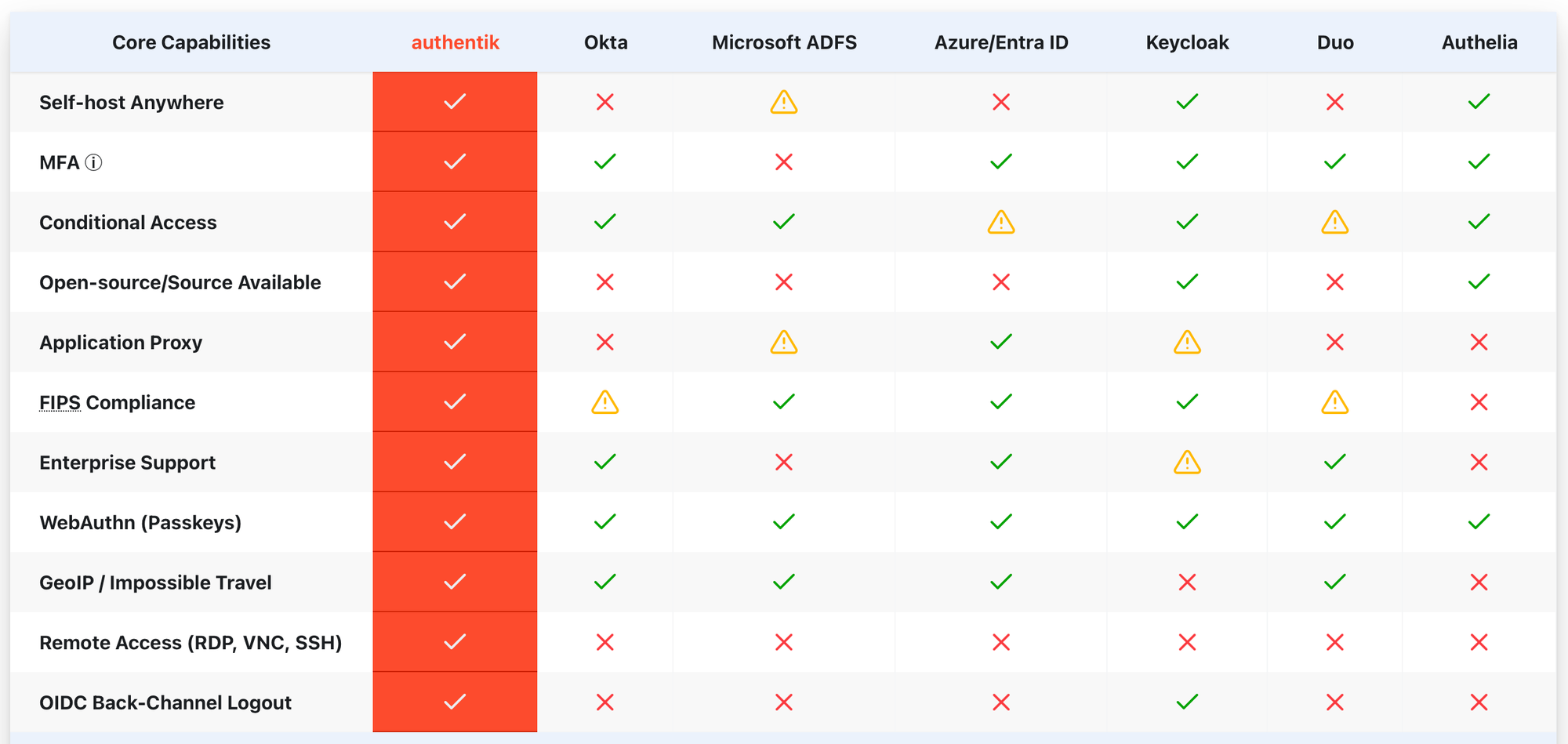
Where I fall on the spectrum is on the lighter use side, but with a strong desire to own and manage my IDP destiny. Identity is so central to access to any service, you don't want to give it up. Companies like Microsoft, Google and Apple want to own your login process. Social logins with Facebook or Twitter raise my hairs. True, they don't have a place in businesses, but why make yourself vulnerable to the whims of faceless orgs that will turn off your account on a whim, as has happened many times?
My solution is authentik. I have a Docker Swarm based highly available installation that manages my users, access to applications (such as gitea, Portainer, ssh) using both passwords as well as 2FA devices, such as Google Authenticator. Since we like open source, Bitwarden is a very attractive and free alternative to Google Authenticator, IBM Verify or Microsoft Authenticator. Enrolling a new device for a user is as easy as the following:
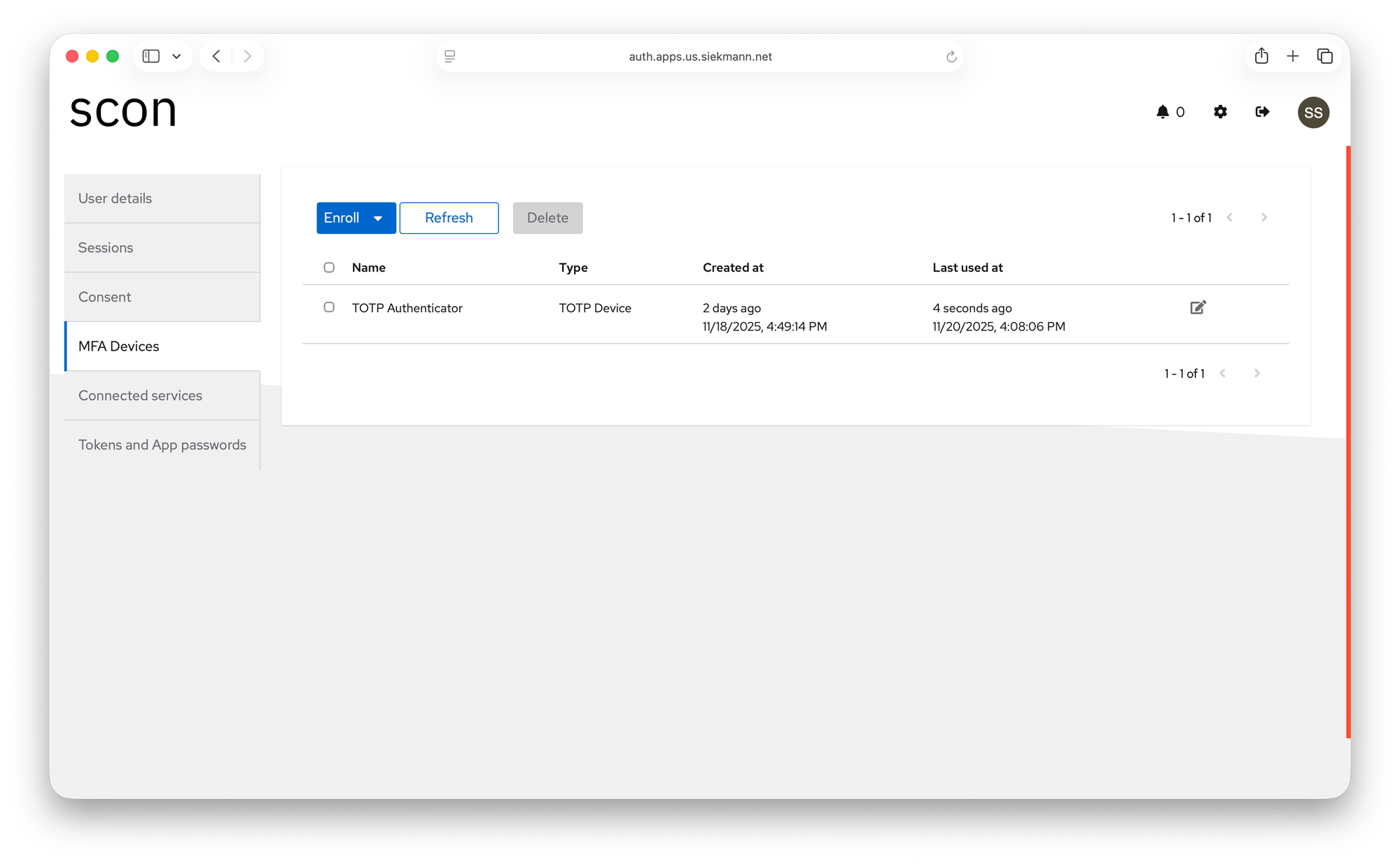
Click on Enroll, select TOTP device and continue on your phone.
Bitwarden setup
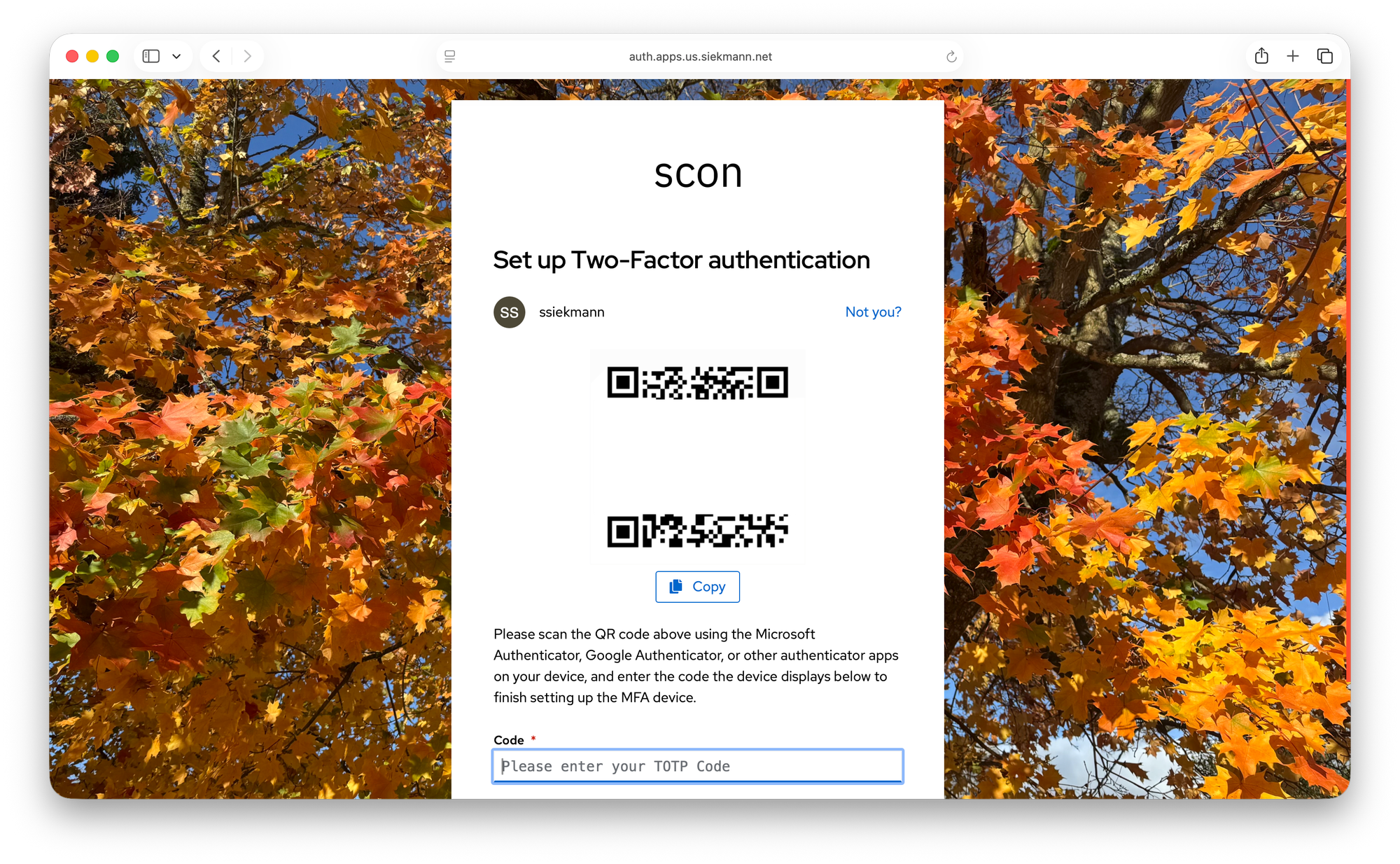
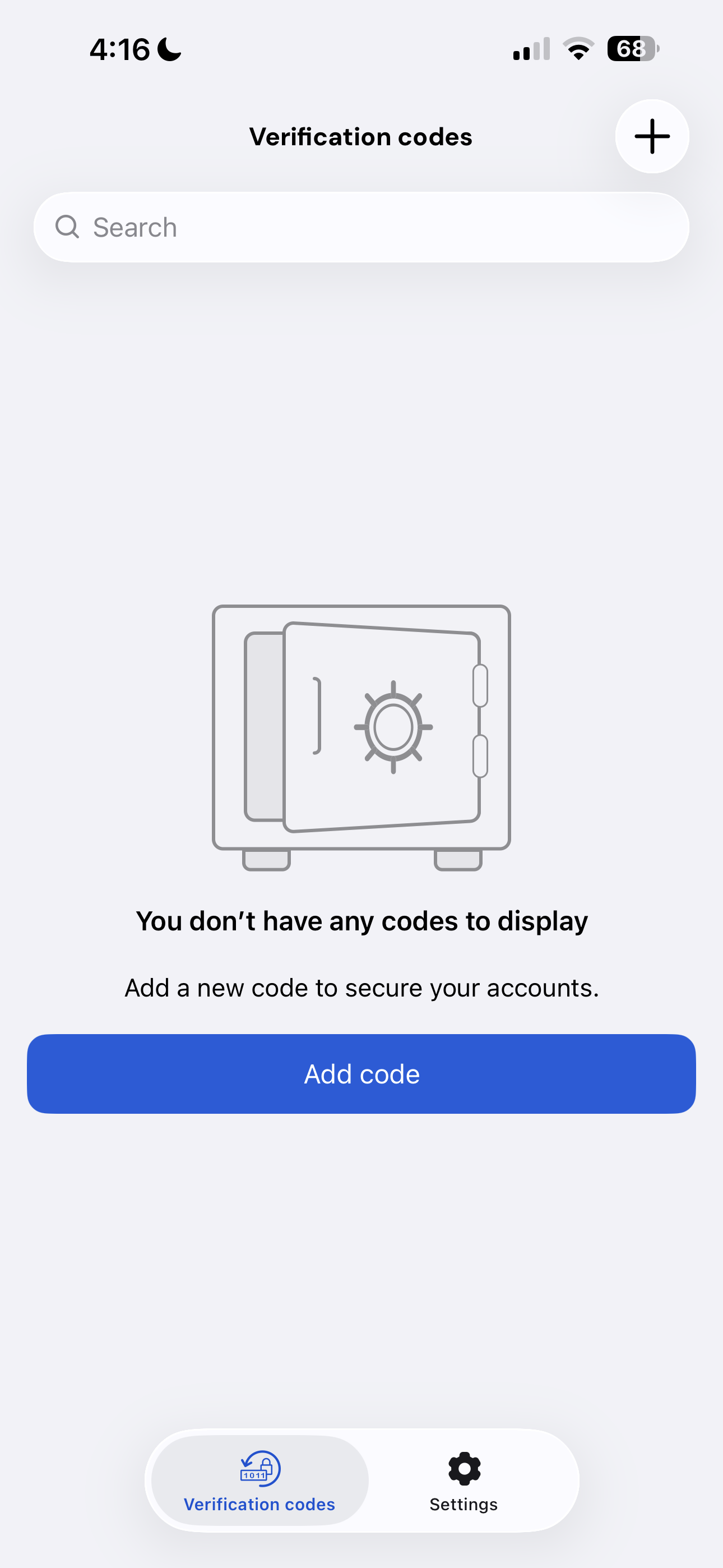
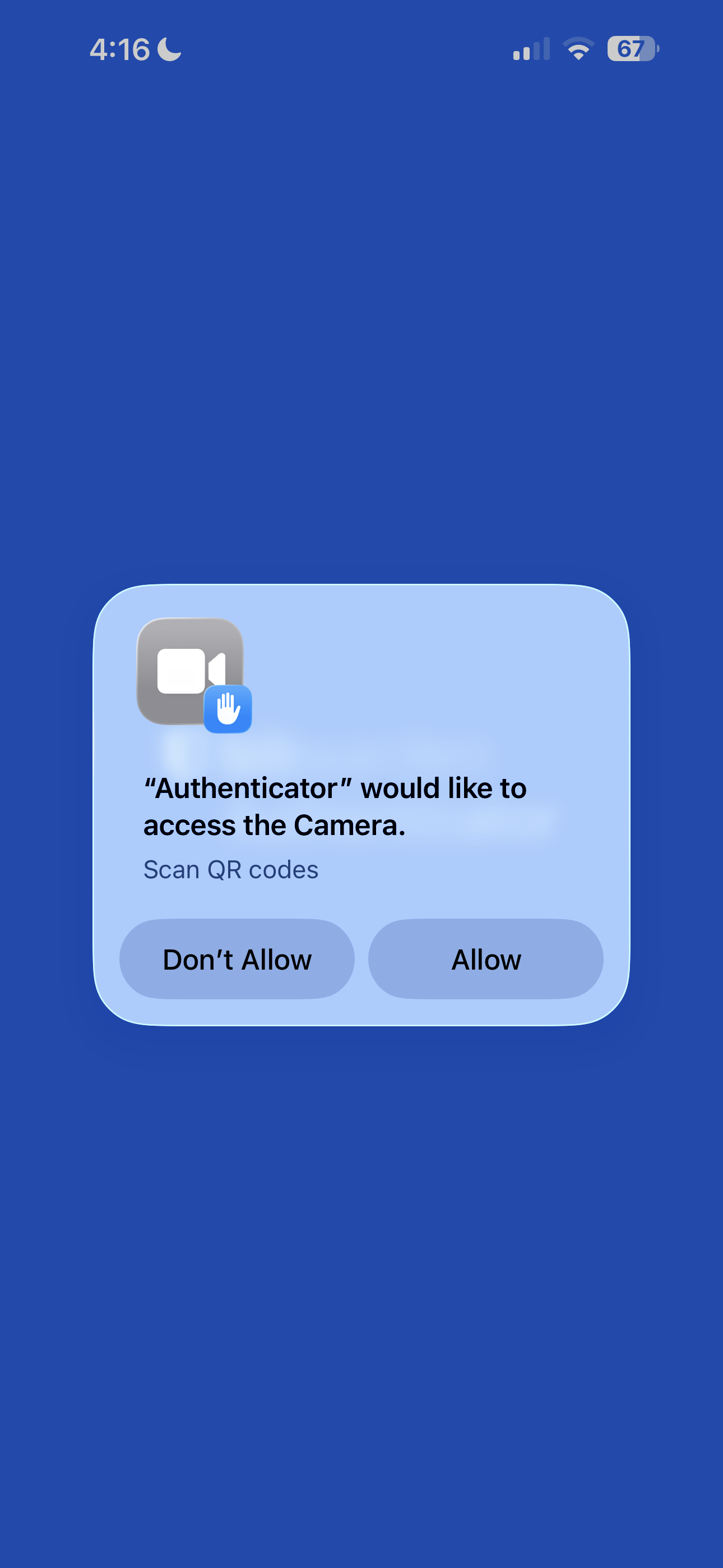
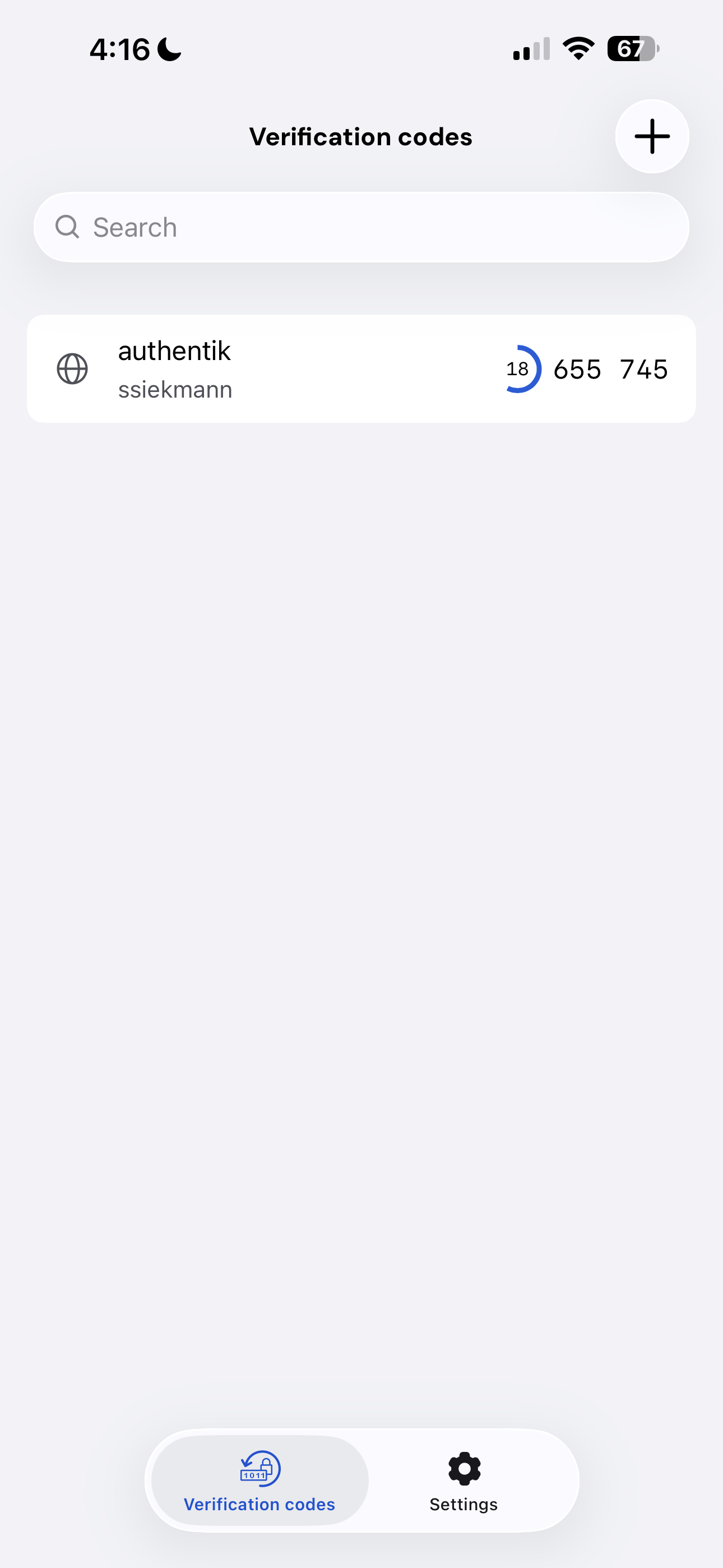
That's really how easy it is. No hyperscaler required.
authentik 2FA setup
As an administrator, login and authenticate (also with 2FA and many other options).
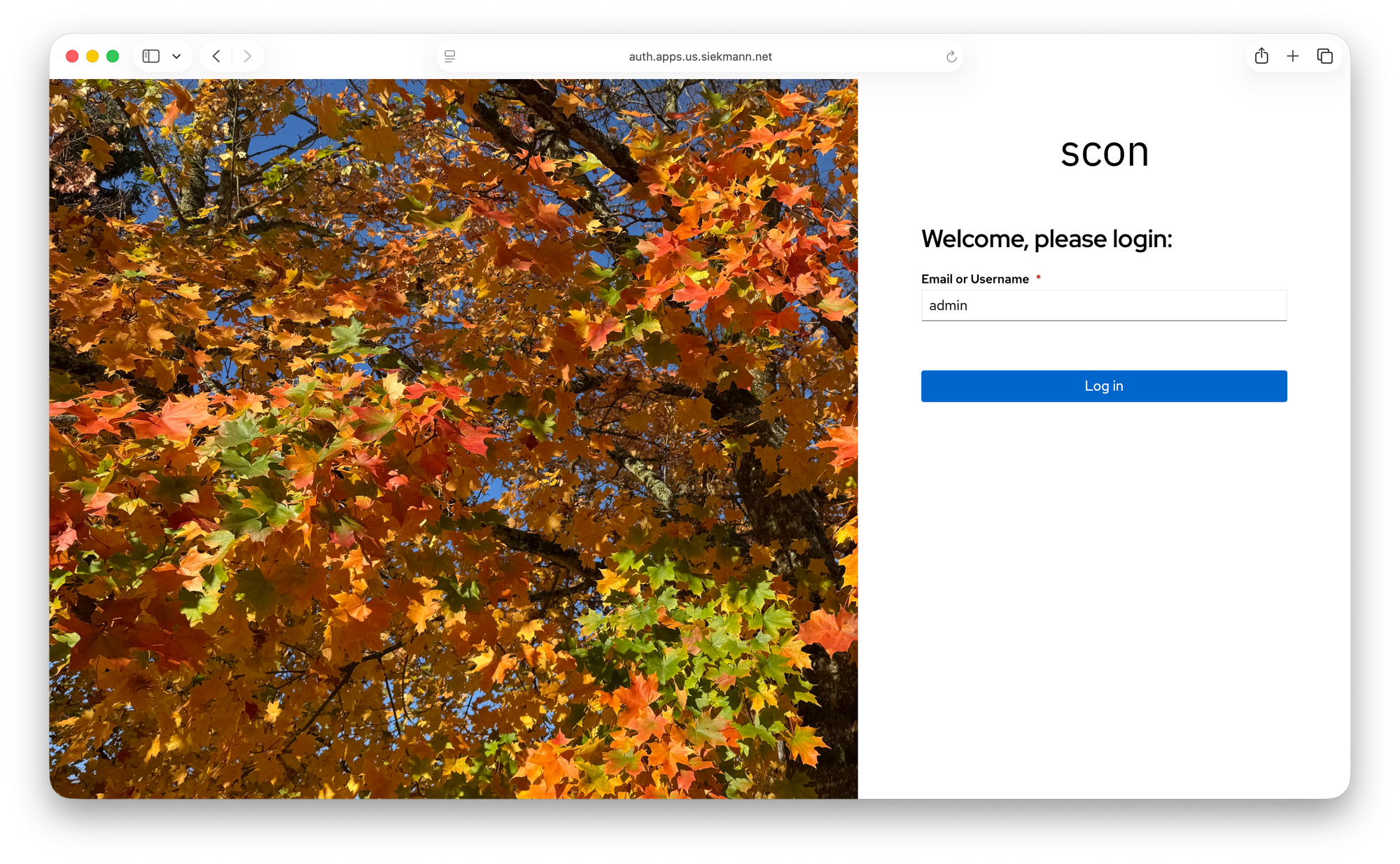
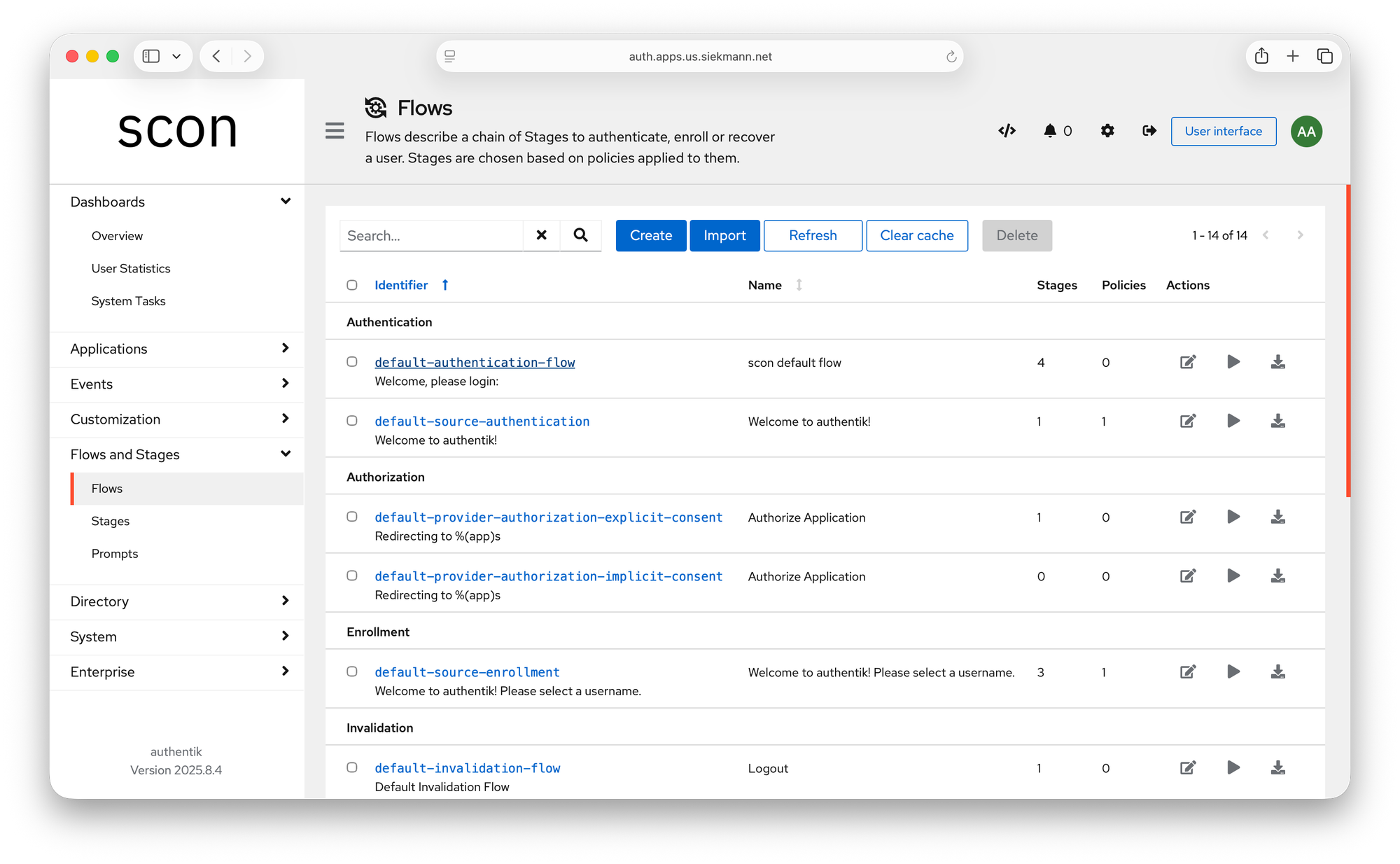
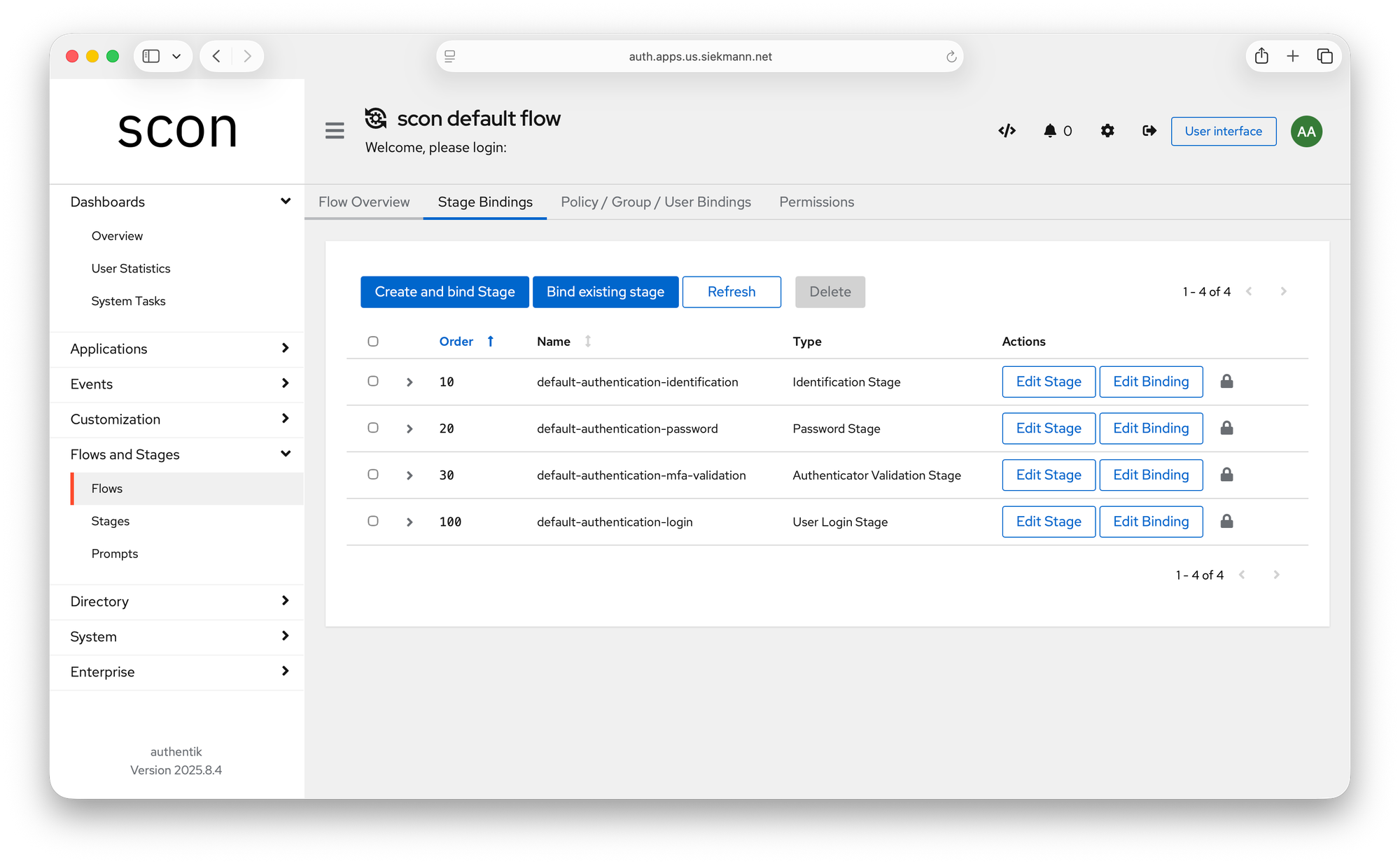
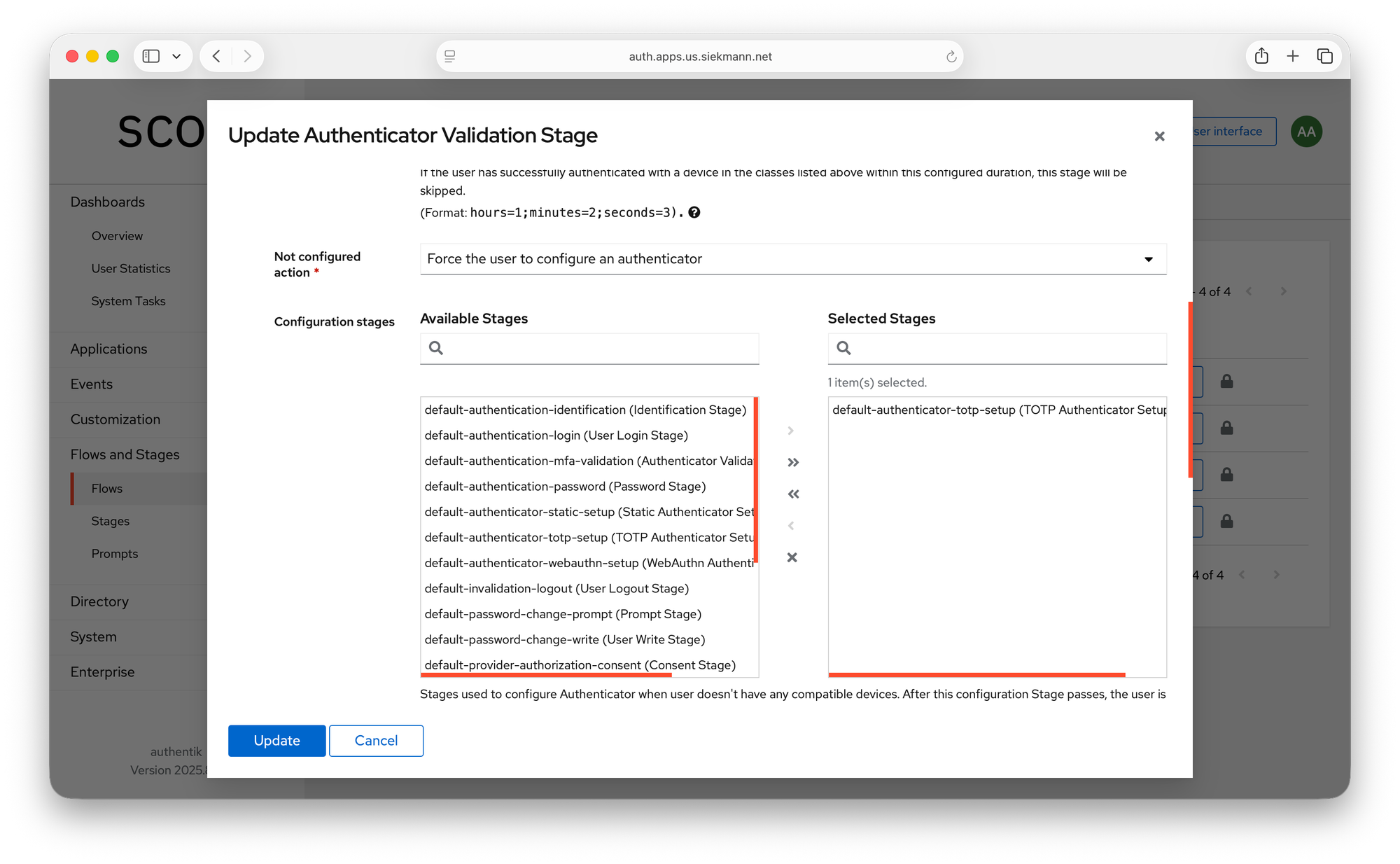
Change to the admin interface by clicking on the top right button, then navigate to Flows and Stages, then click on "Edit Binding" on the right of "default-authentication-mfa-validation". Select "Force the user to configure an authenticator" and click "Update". That's it!
This is just a brief glance into a vast array of capabilities of the authentik platform. I use it for authentication of all services and applications I use in my production.
User management in authentik doesn't have to be manual. You can integrate a plethora of external systems that you find in any enterprise, such as Azure AD (Entra), Apple OAuth, Google OAuth, Kerberos, Reddit (if you must!) and many more:
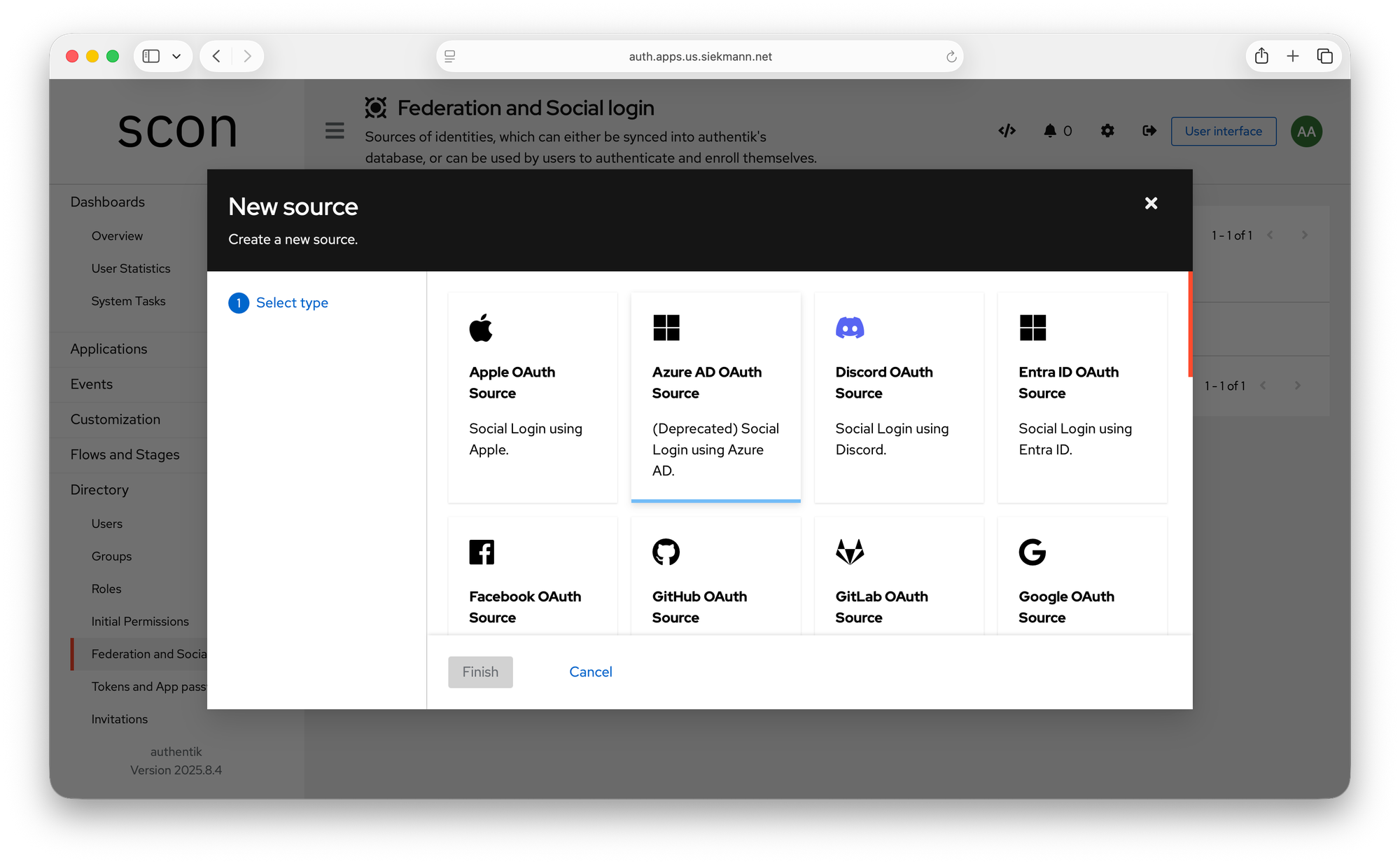
You can use Kerberos, LDAP or other social login services as well. I'd bet you'll be covered whatever you use.
I am available as a consultant
By the way, I provide consulting services as well as hosted authentik instances that run on pure open source stacks. Professional services engagements start at $15K USD and last a minimum of 20 work days. At the end of the initial engagement, you will have a complete migration roadmap (if you want to get off your existing Okta/Verify/etc) and a clear end state you can either own and operate or delegate. Let's talk!